咳咳,标题写的大了,我们今天就是换个图片......
接上篇文章,我们今天简单玩一下,将手机的开机动画稍微修改一下,变成我们自定义的开机界面。
前言:
Android 手机的开机动画,是由 Linux 的守护进程:bootanimation 控制的。
BootAnimation 位于
aosp10/frameworks/base/cmds/bootanimation/BootAnimation.cpp

通过上面的代码,我们可以判断出:
images/android-logo-mask.png
images/android-logo-shine.png
这两个图片组成了开机的 Android 闪烁的动画。
我们可以通过修改 andorid-logo-mask.png 图片来将 Android 的字样换成我们自己定义的,算是修改系统源码的第一小步吧。
那我们开始吧!
一、ps 一张我们想要开机展示的镂空图 andorid-logo-mask.png
原来的镂空图位于
aosp10/frameworks/base/core/res/assets/images
是这样的

我照着这个做了一个类似的,只是将里面的文字修改了一下

然后,将原来的图片备份,将我们做好的图片替换掉之前的
andorid-logo-mask.png

绿框中的是我们替换后的图片。
二、开始编译 Android 的系统资源包
先通过
source build/envsetup.sh
lunch15
准备好编译环境
然后通过
mmmframeworks/base/core/res
编译资源包。
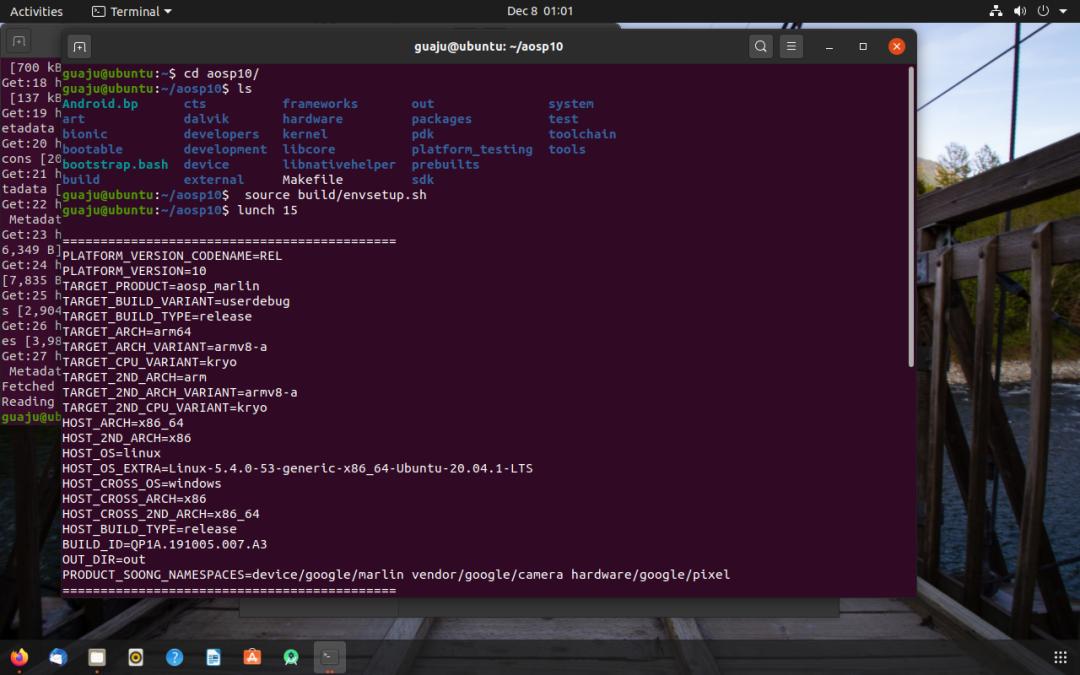
编译资源包

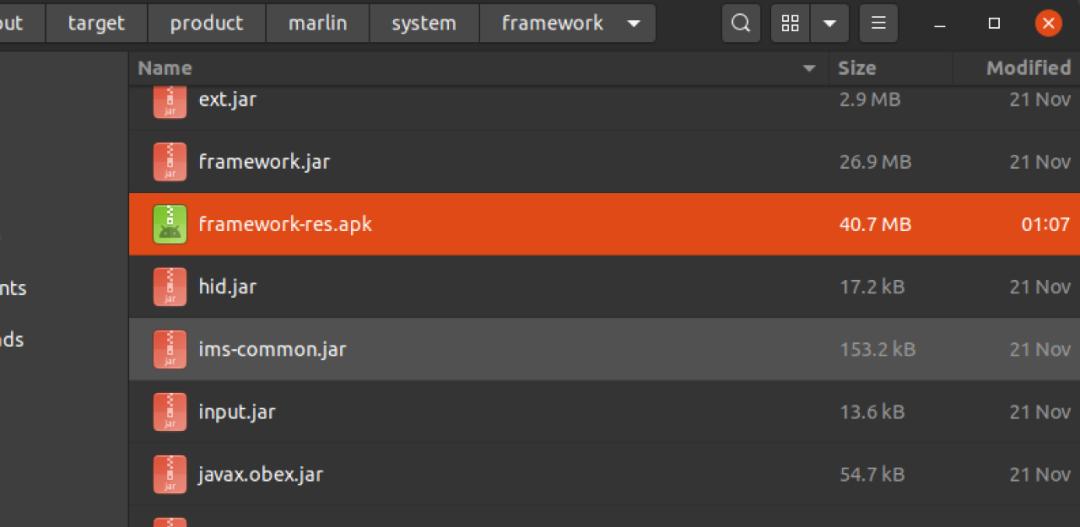
这样我们就得到最新的
framework-res.apk
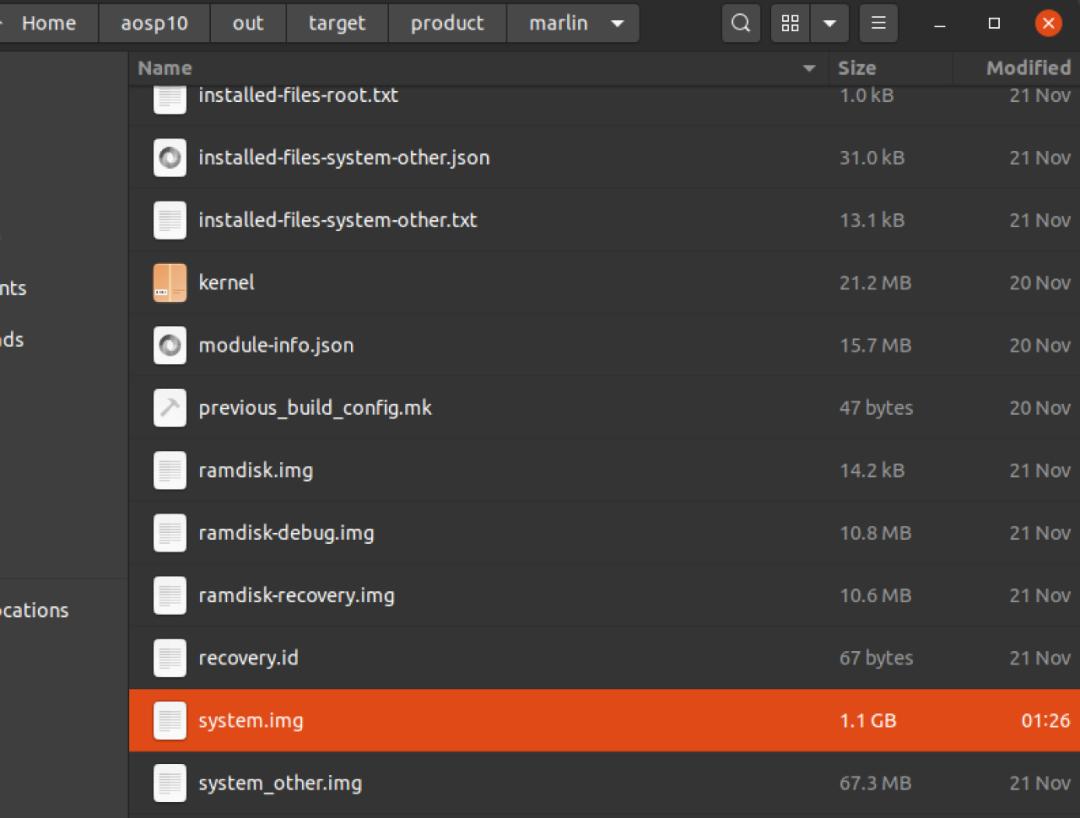
三、 生成新的system.img
使用
makesnod
重新打包 system.img,这样更快
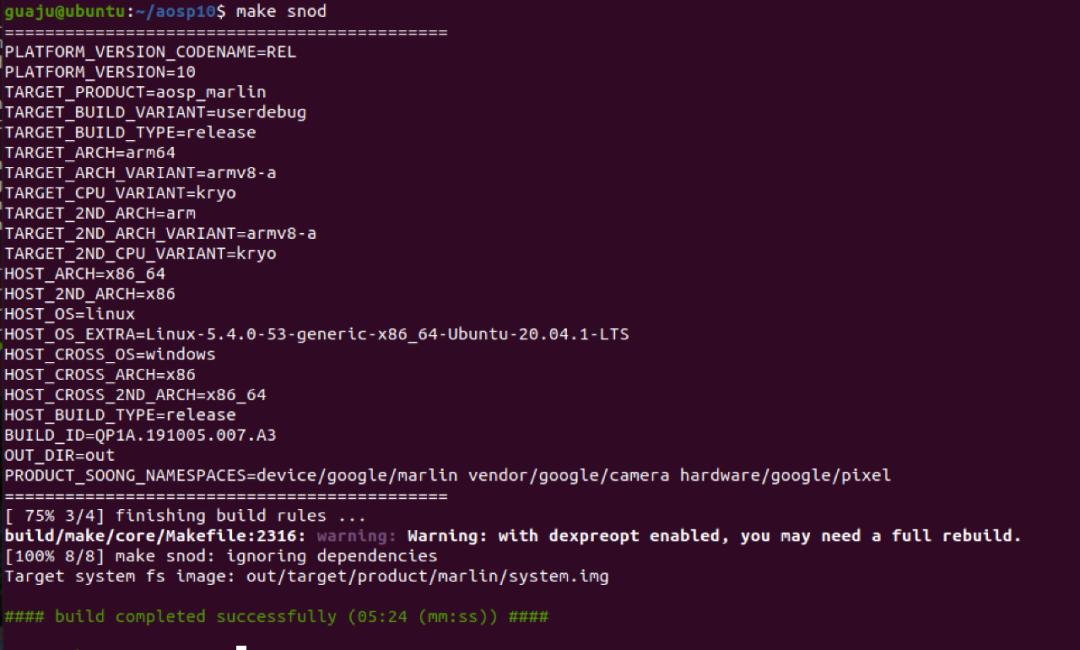
得到最新的 system.img 文件
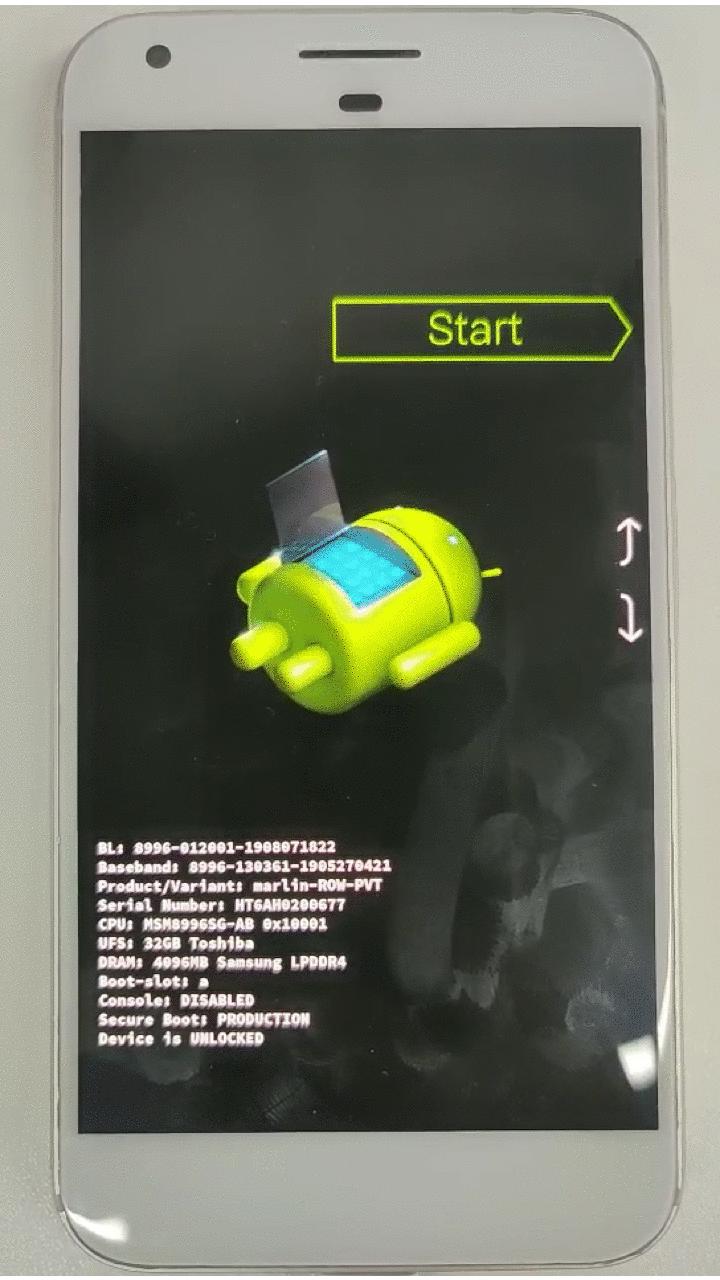
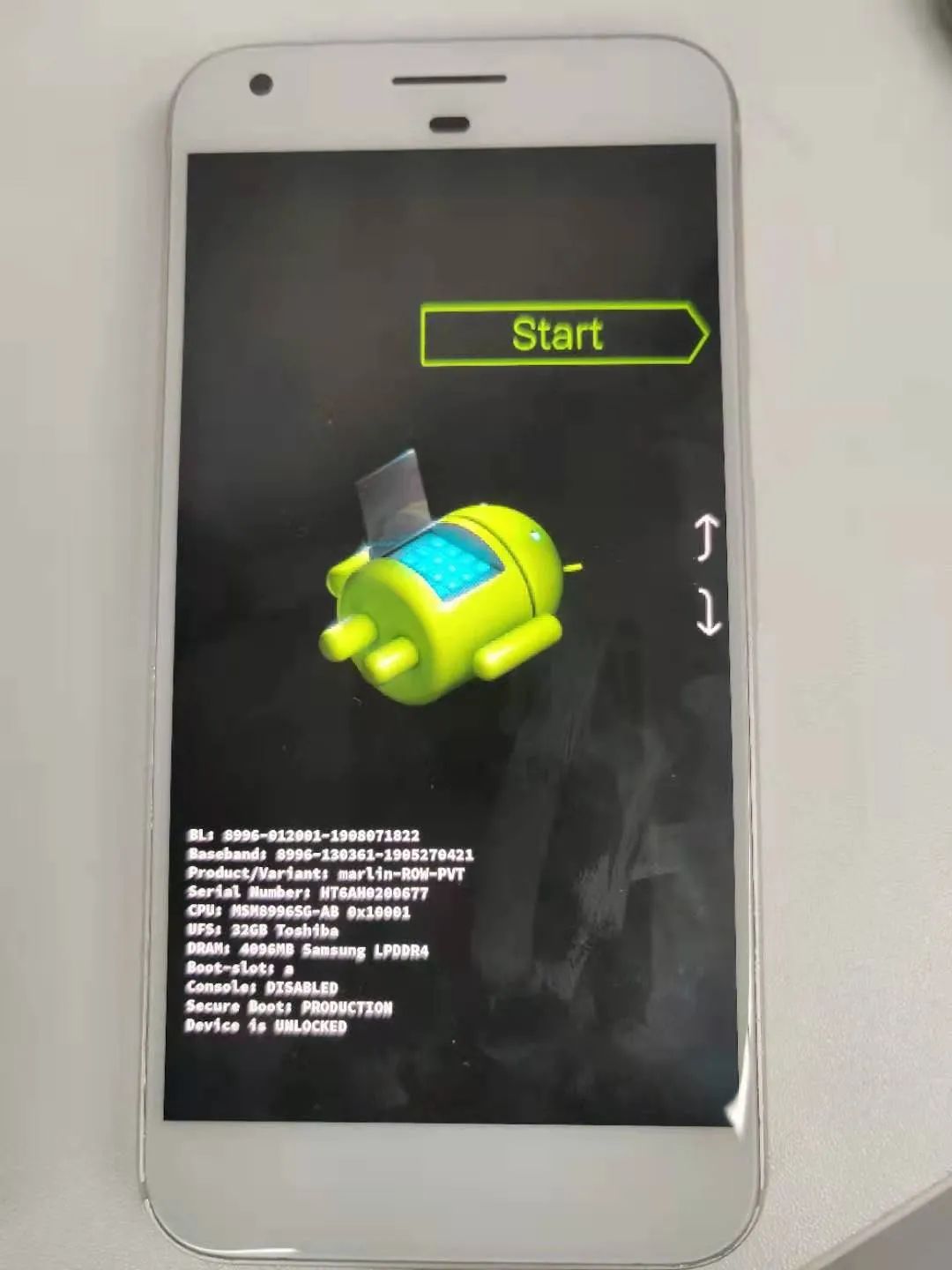
四、然后将手机置为 faskboot 模式,开始刷机
//使设备进入fastboot 模式
adbrebootbootloader
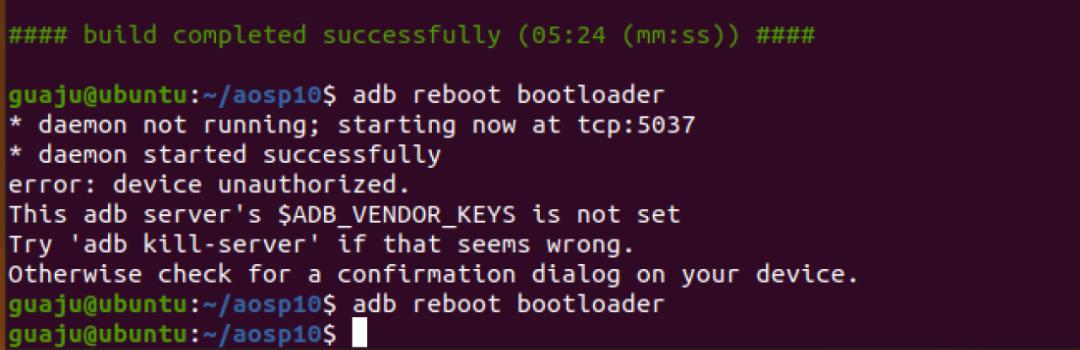
将手机重启为 fastboot 模式
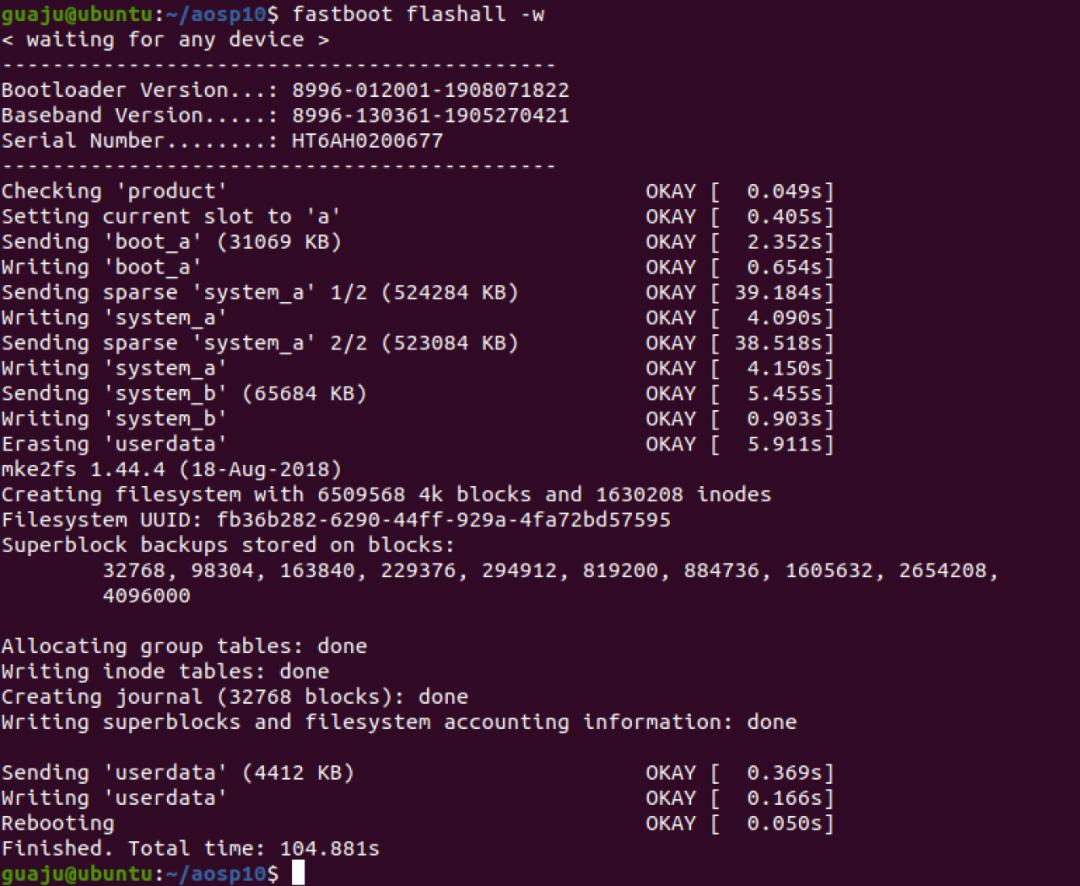
//刷入镜像
fastbootflashall -w
刷入新生成的 system.img
搞定~看成品~~