HelloWebUI 分享多主题、多语言、响应式web网页模板
移动端语言切换展示
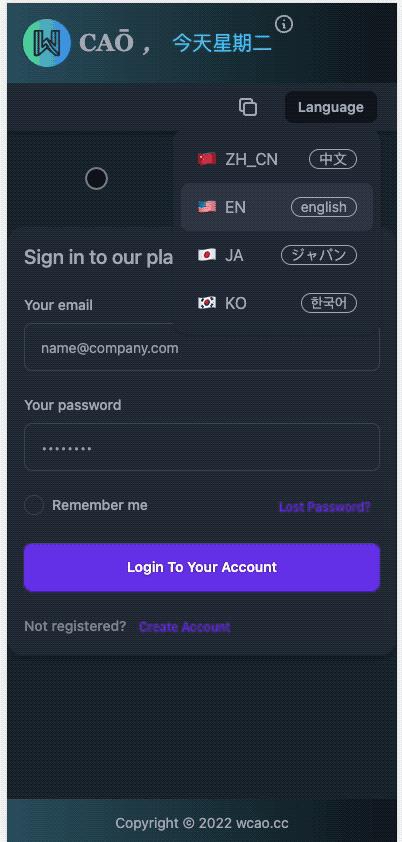
多语言、移动端展示
IPad/PC 多主题展示
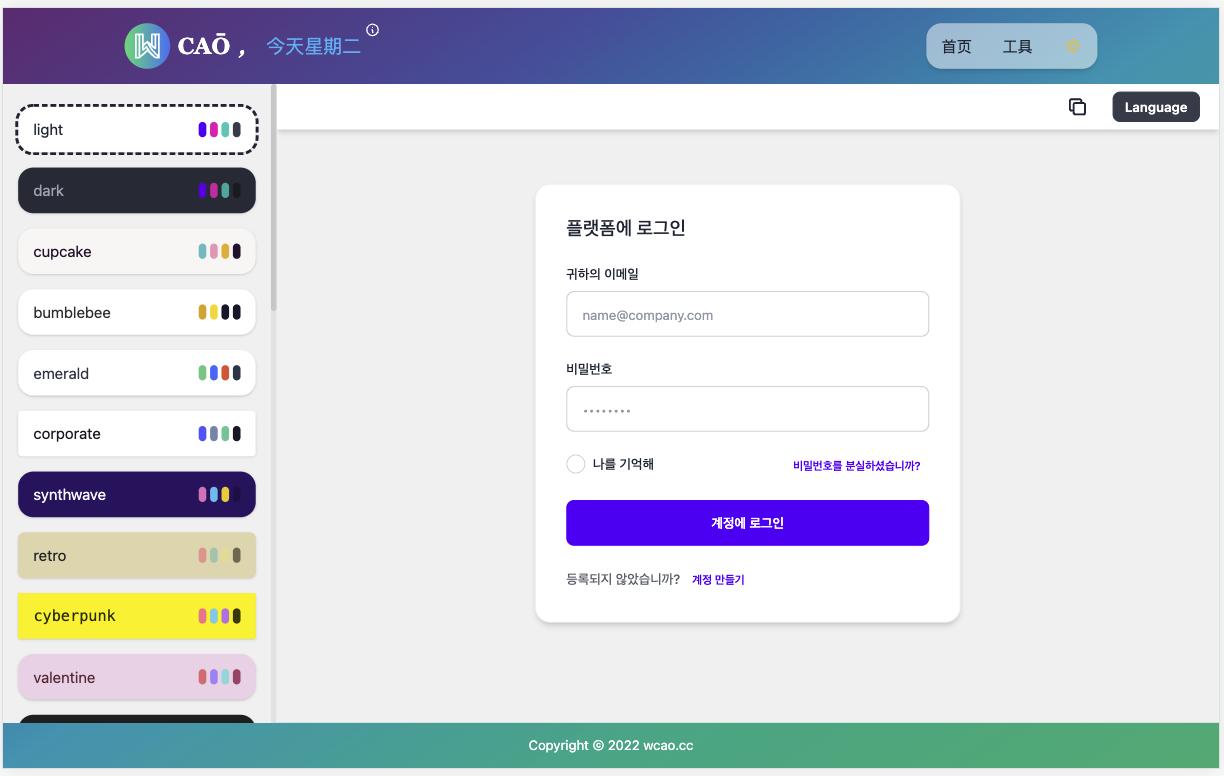
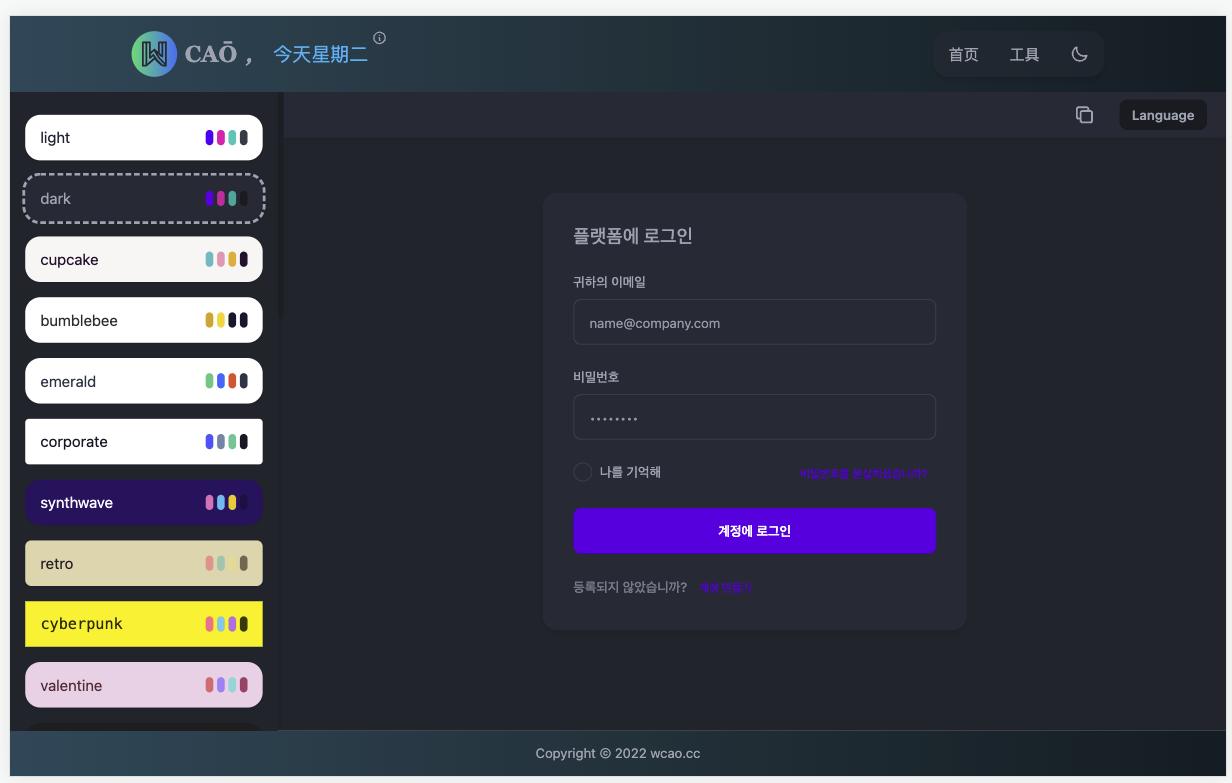
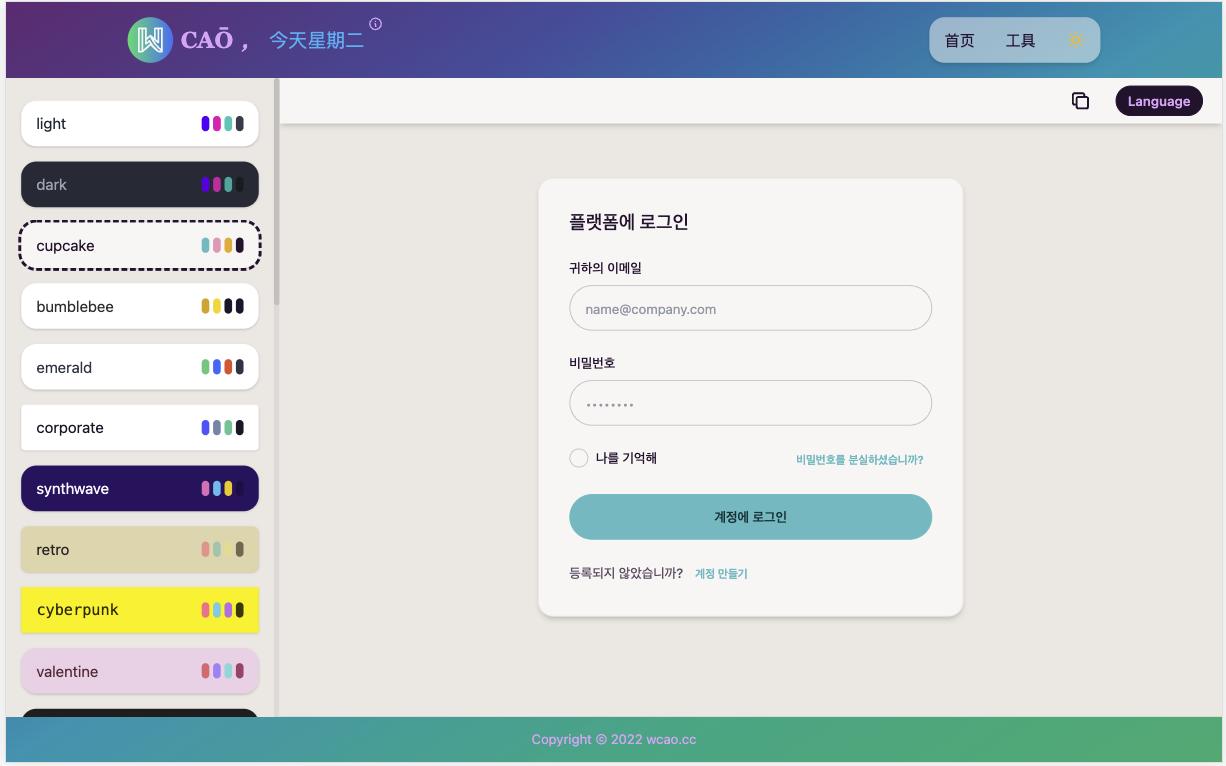
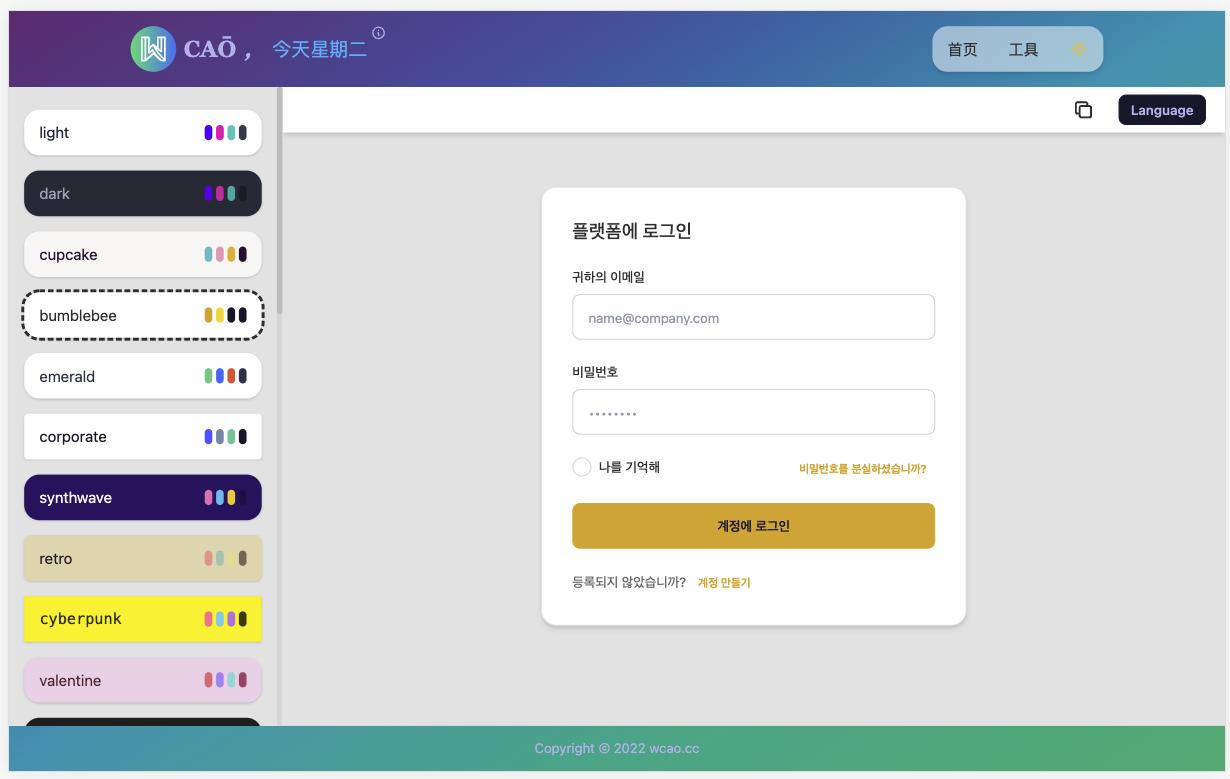
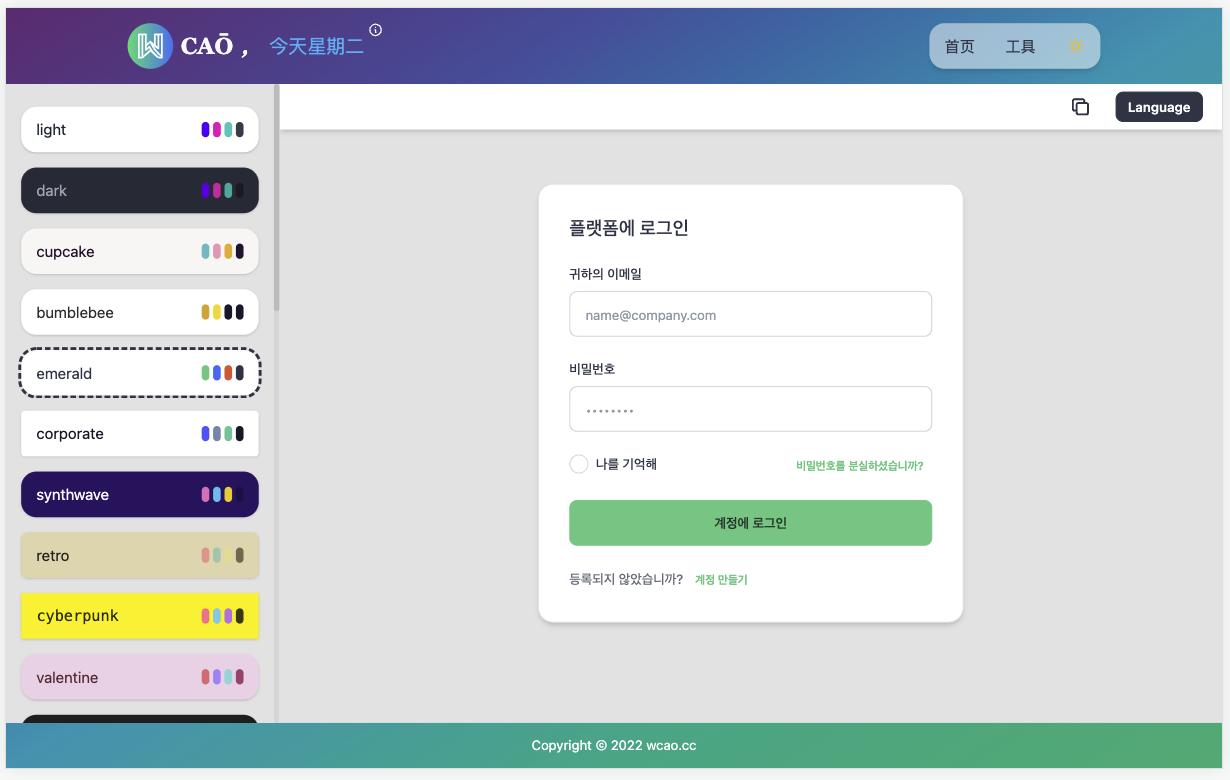
源码
<!DOCTYPE html>
  <html>
    <head>
      <meta charset="UTF-8" />
      <meta name="viewport" content="width=device-width, initial-scale=1.0" />
      <link
        href="https://cdn.jsdelivr.net/npm/daisyui@2.17.0/dist/full.css"
        rel="stylesheet"
        type="text/css"
      />
      <script src="https://cdn.tailwindcss.com"></script>
    </head>
    <body>
      <!-- 更多响应式多主题模板: https://wcao.cc -->
      <!-- 切换主题: <body data-theme='dark'> -->
      <!-- 可用主题列表: https://daisyui.com/docs/themes/ -->
      <div class="p-4 w-full rounded-box max-w-md bg-base-100 border border-base-200 shadow-md sm:p-6 lg:p-8"><form class="space-y-6" action="#"><h5 class="text-xl font-medium text-base-content">플랫폼에 로그인</h5><div><label for="email" class="block mb-2 text-sm font-medium text-base-content">귀하의 이메일</label><input type="email" name="email" id="email" class="input input-bordered w-full" placeholder="name@company.com" required=""></div><div><label for="password" class="block mb-2 text-sm font-medium text-base-content">비밀번호</label><input type="password" name="password" id="password" placeholder="••••••••" class="input input-bordered w-full" required=""></div><div class="flex items-start justify-between"><div class="flex items-start"><input id="remember" type="checkbox" value="" class="checkbox checkbox-sm rounded-box" required=""><label for="remember" class="ml-2 text-sm font-medium text-base-content">나를 기억해</label></div><a href="#" class="btn btn-link btn-xs capitalize">비밀번호를 분실하셨습니까?</a></div><button type="submit" class="btn btn-primary w-full capitalize">계정에 로그인</button><div class="text-sm font-medium text-base-content text-opacity-70">등록되지 않았습니까? <a href="#" class="btn btn-link btn-xs capitalize">계정 만들기</a></div></form></div>
    </body>
  </html>