什么是WebView
WebView是用来打开网页的一种UI控件,可以在App内跳转到指定网址,而不是采用系统浏览器打开网页.
基础样例
效果图

实现方案
- activity
public class MainAbilitySlice extends AbilitySlice {
    @Override
    public void onStart(Intent intent) {
        super.onStart(intent);
        super.setUIContent(ResourceTable.Layout_ability_main);
        WebView webView = (WebView) findComponentById(ResourceTable.Id_webView);
        webView.getWebConfig() .setJavaScriptPermit(true);  // 允许网页执行JavaScript
        final String url = "https://www.baidu.com";
        webView.load(url);
    }
}
- 布局文件ability_main.xml:
<?xml version="1.0" encoding="utf-8"?>
<DirectionalLayout
    xmlns:ohos="http://schemas.huawei.com/res/ohos"
    ohos:height="match_parent"
    ohos:width="match_parent">

    <ohos.agp.components.webengine.WebView
        ohos:id="$+id:webView"
        ohos:height="match_parent"
        ohos:width="match_parent">
    </ohos.agp.components.webengine.WebView>
</DirectionalLayout>
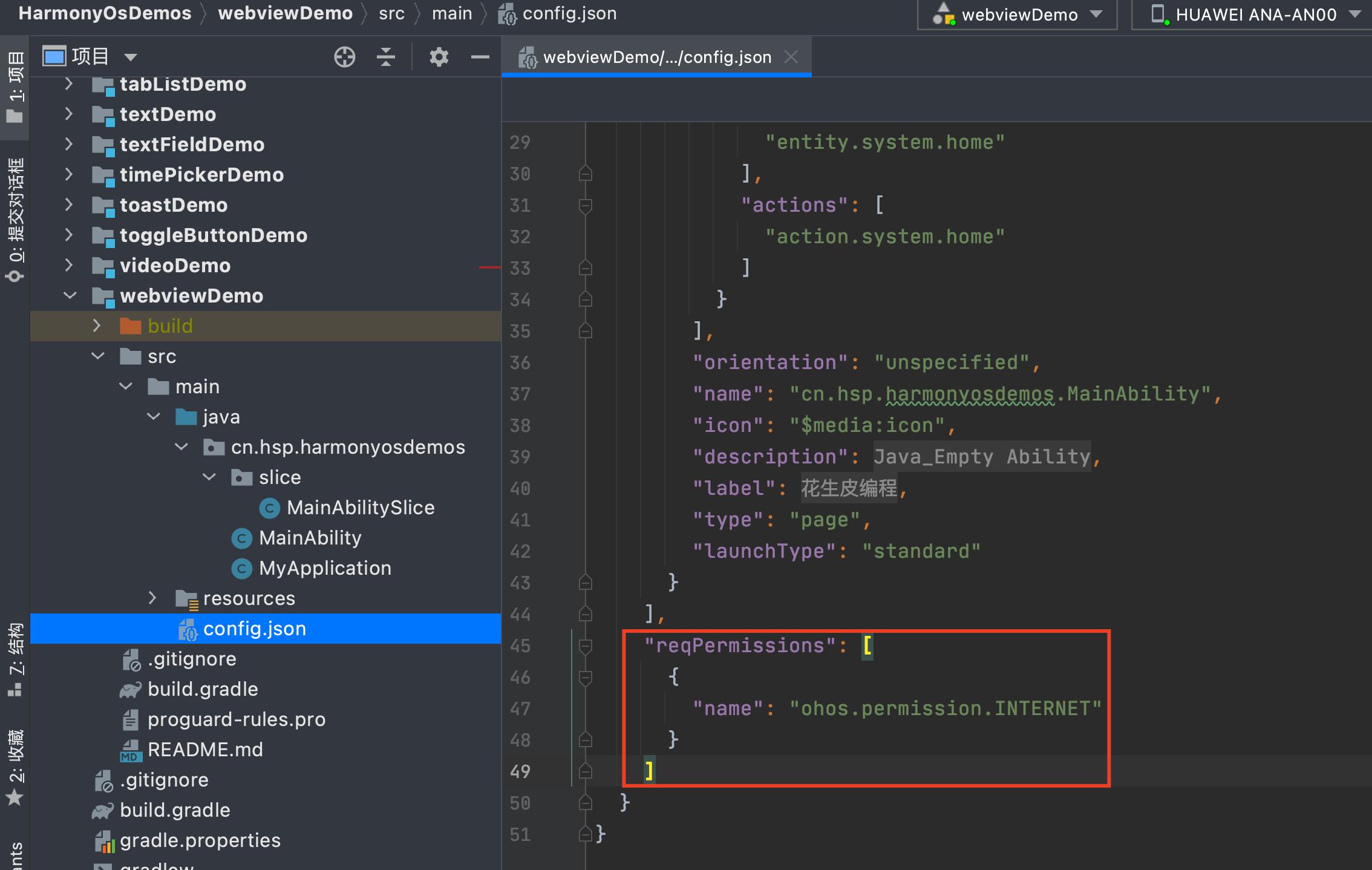
- 增加权限修改config.json,添加如下权限:
"reqPermissions": [
  {
    "name": "ohos.permission.INTERNET"
  }
]
完整源代码
https://gitee.com/hspbc/harmonyos_demos/tree/master/webviewDemo