拓扑图:
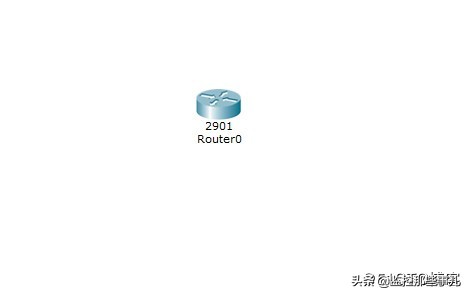
- 1 配置任意特权加密密码,并保存
Router>enable
Router#config t
Enter configuration commands, one per line. End with CNTL/Z.
Router(config)#hostname R1
R1(config)#interface g 0/0
R1(config-if)#ip address 192.168.1.1 255.255.255.0
R1(config-if)#no shutdown
R1(config-if)#enable secret asdf
%LINK-5-CHANGED: Interface GigabitEthernet0/0, changed state to up
R1(config)#exit
R1#
%SYS-5-CONFIG_I: Configured from console by console
R1#wr
Building configuration...
[OK]
R1#
- 2 重启路由器reload
- 3 在加载系统过程中, 使用 Ctrl+Break 键或者 Ctrl+C 键,修改 confreg寄存器的值,使路由器绕过配置文件进入系统
rommon 1 > help
boot boot up an external process
confreg configuration register utility
dir list files in file system
help monitor builtin command help
reset system reset
set display the monitor variables
tftpdnld tftp image download
unset unset a monitor variable
rommon 2 > confreg 0x2142
rommon 3 > reset
- 4 此时已可以不输入密码即可进入系统,这时我们重新配置密码。配置密码完成后,修改confreg寄存器的值,引导系统正常启动。
Router>en
Router#config t
Enter configuration commands, one per line. End with CNTL/Z.
Router(config)#hostname R1
R1(config)#enable sec
R1(config)#enable secret 123abc
R1(config)#config-register 0x2102
R1(config)#end
R1#
%SYS-5-CONFIG_I: Configured from console by console
R1#wr
Building configuration...
[OK]
- 5 最后重启reload