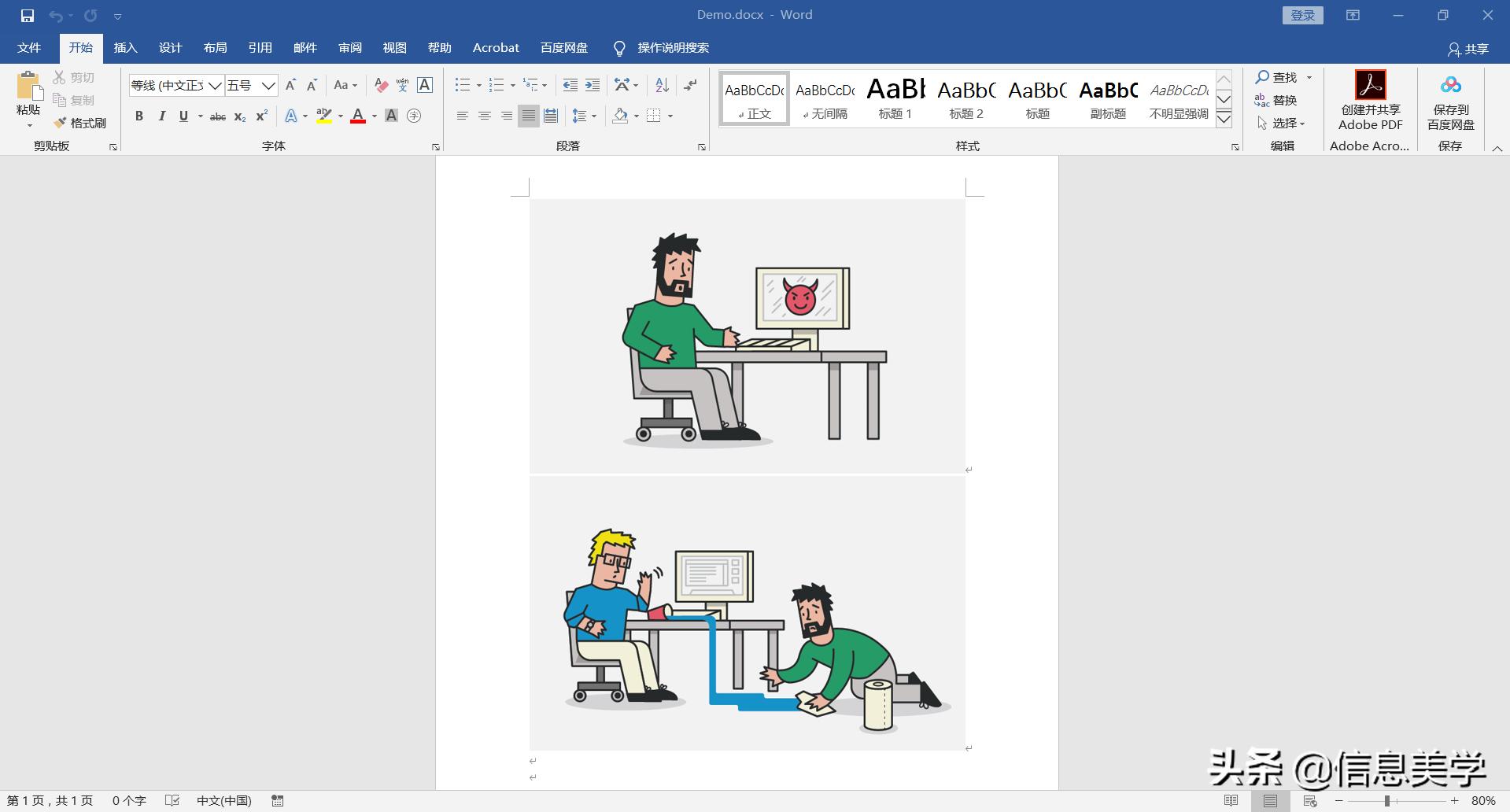
有时候我们会收到一些Word文档,如简历、论文以及其他的Word文档,里面包含了很多图片。如何使用自动化的方式,提取Word里面的图片呢?下面就让我们来一起学习一下
1 安装第三方库 Python-docx
打开cmd命令行(或者powershell)窗口,输入安装第三方库命令
pipinstallpython-docx
等待安装完成
2、导入os、re以及docx库
importdocx
importos,re
3、编写图片提取函数
1、读取Word文档,遍历图片
doc=docx.Document(word_path)
dict_rel=doc.part._rels
forrelindict_rel:
rel=dict_rel[rel]
if"image"inrel.target_ref:
ifnotos.path.exists(result_path):
os.makedirs(result_path)
img_name=re.findall("/(.*)",rel.target_ref)[0]
word_name=os.path.splitext(word_path)[0]
ifos.sepinword_name:
new_name=word_name.split('\\')[-1]
else:
new_name=word_name.split('/')[-1]
img_name=f'{new_name}-'+'.'+f'{img_name}'
2、依次保存图片
withopen(f'{result_path}/{img_name}',"wb")asf:
f.write(rel.target_part.blob)
3、完整的函数代码
defget_pictures(word_path,result_path):
"""
图片提取
:paramword_path:word路径
:return:
"""
try:
doc=docx.Document(word_path)
dict_rel=doc.part._rels
forrelindict_rel:
rel=dict_rel[rel]
if"image"inrel.target_ref:
ifnotos.path.exists(result_path):
os.makedirs(result_path)
img_name=re.findall("/(.*)",rel.target_ref)[0]
word_name=os.path.splitext(word_path)[0]
ifos.sepinword_name:
new_name=word_name.split('\\')[-1]
else:
new_name=word_name.split('/')[-1]
img_name=f'{new_name}-'+'.'+f'{img_name}'
withopen(f'{result_path}/{img_name}',"wb")asf:
f.write(rel.target_part.blob)
except:
pass
4、编写主运行函数
if__name__=='__main__':

#获取文件夹下的word文档列表,路径自定义

os.chdir("D:\Demo")
spam=os.listdir(os.getcwd())
foriinspam:
get_pictures(str(i),os.getcwd())
5、结果展示
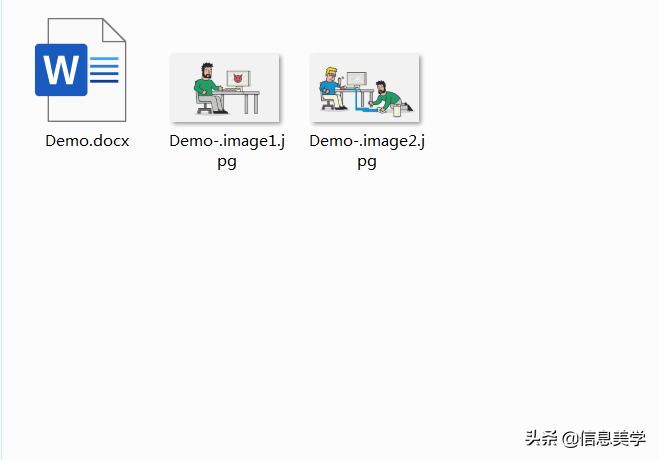
完整代码
importdocx
importos,re

#需要安装第三方包
#pipinstallpython-docx

defget_pictures(word_path,result_path):
"""
图片提取
:paramword_path:word路径
:return:
"""
try:
doc=docx.Document(word_path)
dict_rel=doc.part._rels
forrelindict_rel:
rel=dict_rel[rel]
if"image"inrel.target_ref:
ifnotos.path.exists(result_path):
os.makedirs(result_path)
img_name=re.findall("/(.*)",rel.target_ref)[0]
word_name=os.path.splitext(word_path)[0]
ifos.sepinword_name:
new_name=word_name.split('\\')[-1]
else:
new_name=word_name.split('/')[-1]
img_name=f'{new_name}-'+'.'+f'{img_name}'
withopen(f'{result_path}/{img_name}',"wb")asf:
f.write(rel.target_part.blob)
except:
pass

if__name__=='__main__':

#获取文件夹下的word文档列表,路径自定义

os.chdir("D:\Demo")
spam=os.listdir(os.getcwd())
foriinspam:
get_pictures(str(i),os.getcwd())
今天和大家一起学习了如何从Word文档中批量提取图片,大家都学会了吗?赶快试一试吧!后续,我会和大家一起学习更多的Python编程与Office办公自动化的例子,欢迎大家关注!