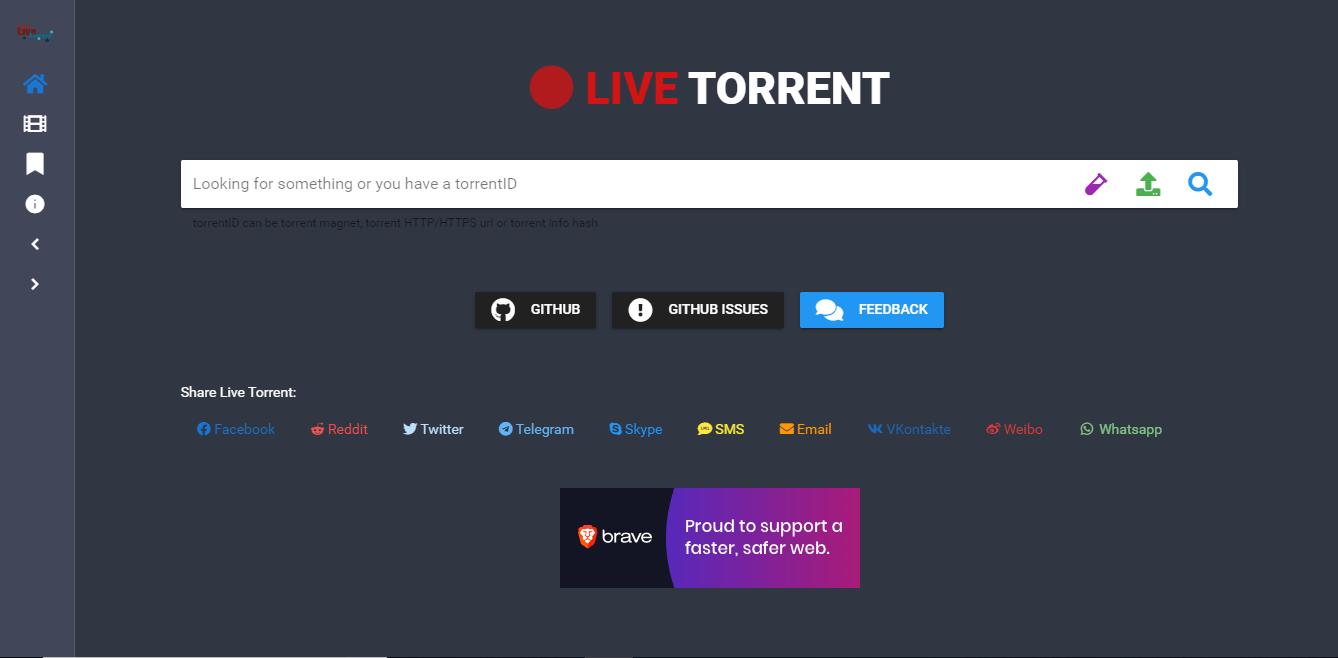
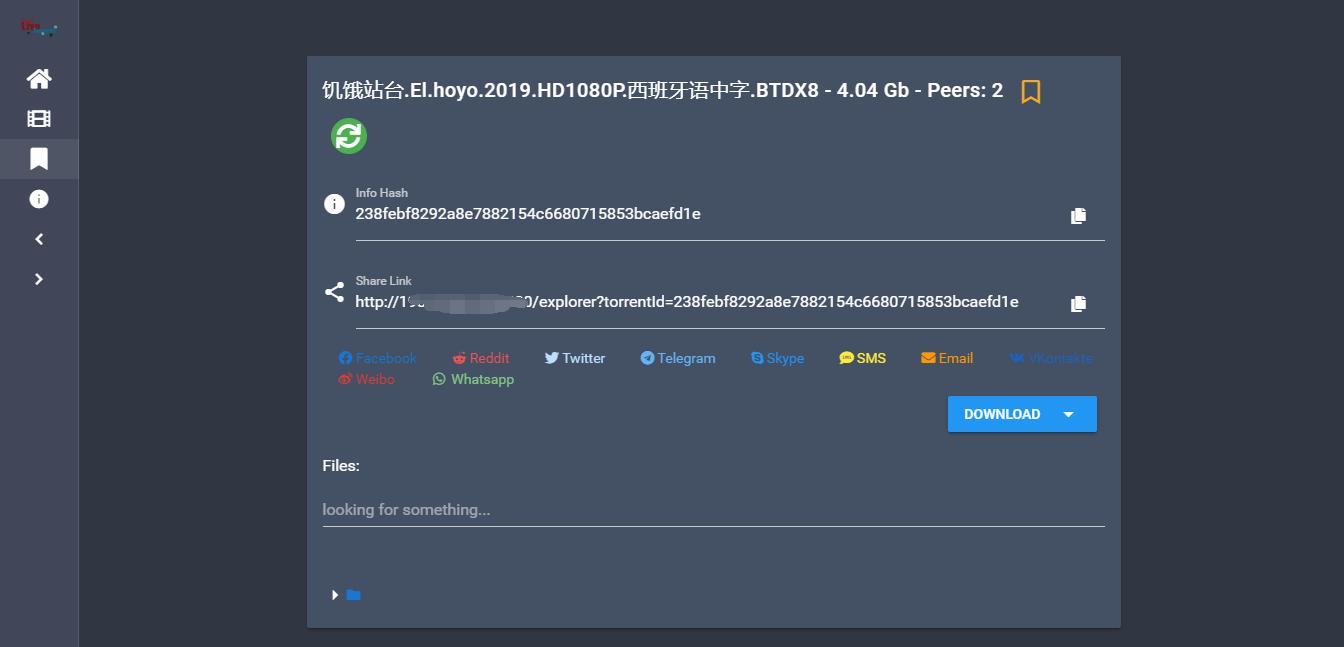
说明: live-torrent 是一个功能强大的 BT Web 客户端工具,支持 BT 搜索和云播,我们可以直接使用程序内置的引擎搜索查找资源,也可以自行上传种子文件或磁力链接添加任务,程序支持自动识别种子内视频文件,点击*放播**按钮可以直接在线*放播**,该程序支持对接 OpenSubtitles ,自动给视频添加字幕。同时也提供一个热门电影排行榜,并提供对应资源给你*放播**和*载下**。不过唯一有点小遗憾的就是,不支持在线搜索中文资源,所以中文资源只能自己上传种子文件进行识别*放播***载下**。
截图


手动安装
Github地址: https://github.com/Davenchy/live-torrent
1、安装NodeJS
#Debian/Ubuntu系统
curl -sL https://deb.nodesource.com/setup_10.x | bash -
apt install -y git nodejs

#CentOS系统
curl -sL https://rpm.nodesource.com/setup_10.x | bash -
yum install nodejs git -y
2、安装live-torrent
git clone https://github.com/Davenchy/live-torrent
cd live-torrent
#安装依赖
npm i
#打包运行
npm run build
nohup npm start&
装好后通过 ip:3000 访问 Web 客户端了。
Docker安装
1、安装Docker
#CentOS 6
rpm -iUvh http://dl.fedoraproject.org/pub/epel/6/x86_64/epel-release-6-8.noarch.rpm
yum update -y
yum -y install docker-io
service docker start
chkconfig docker on

#CentOS 7、Debian、Ubuntu
curl -sSL https://get.docker.com/ | sh
systemctl start docker
systemctl enable docker
2、安装live-torrent
docker run --restart=always --name live-torrent -d -p 8080:8080 davenchy/live-torrent
然后就通过 ip:8080 访问 Web 客户端了。
最后如果你访问不了 Web 端,可能要检查下防火墙端口,有安全组的也要放行下相关端口。
这里提供个 CentOS 系统防火墙开启命令,比如开放 3000 端口,大致如下:
#CentOS 6
iptables -I INPUT -p tcp --dport 3000 -j ACCEPT
service iptables save
service iptables restart

#CentOS 7
firewall-cmd --zone=public --add-port=3000/tcp --permanent
firewall-cmd --reload