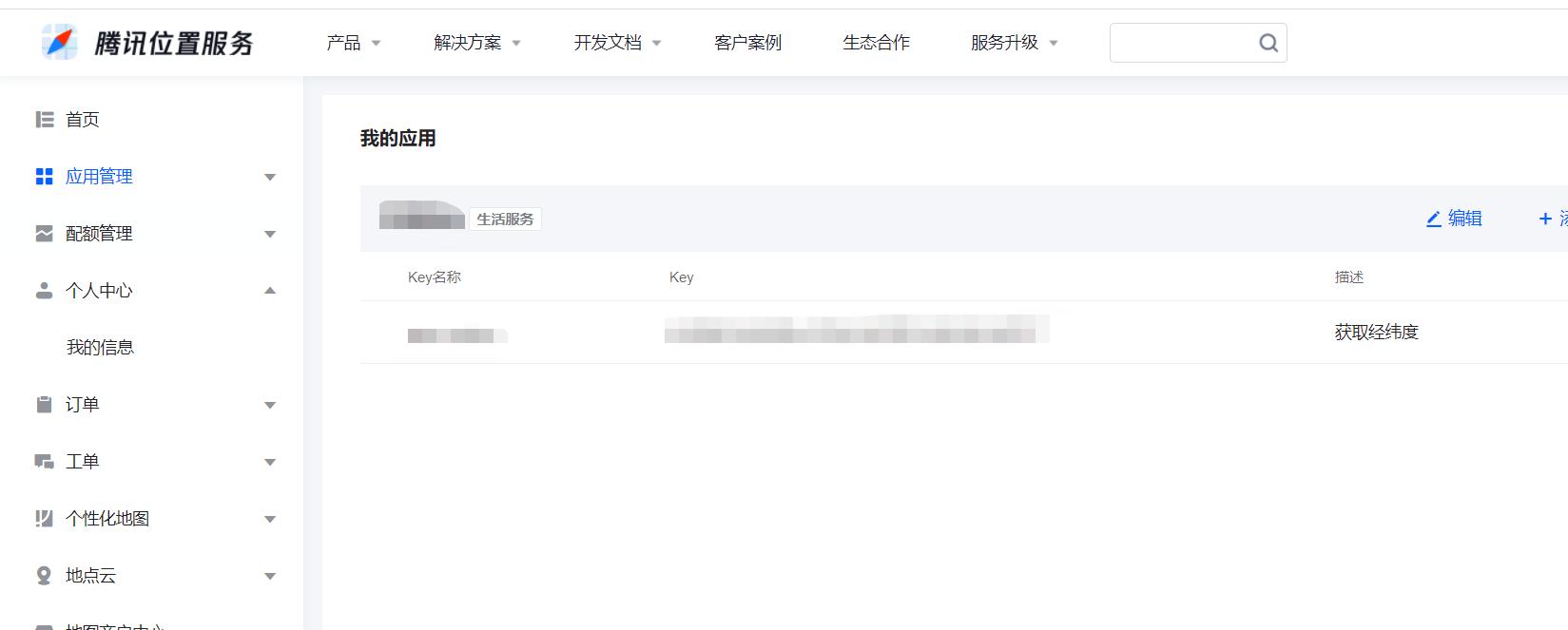
1.登录腾讯位置服务
地址:https://lbs.qq.com/dev/console/application/mine
2.点击应用管理创建应用
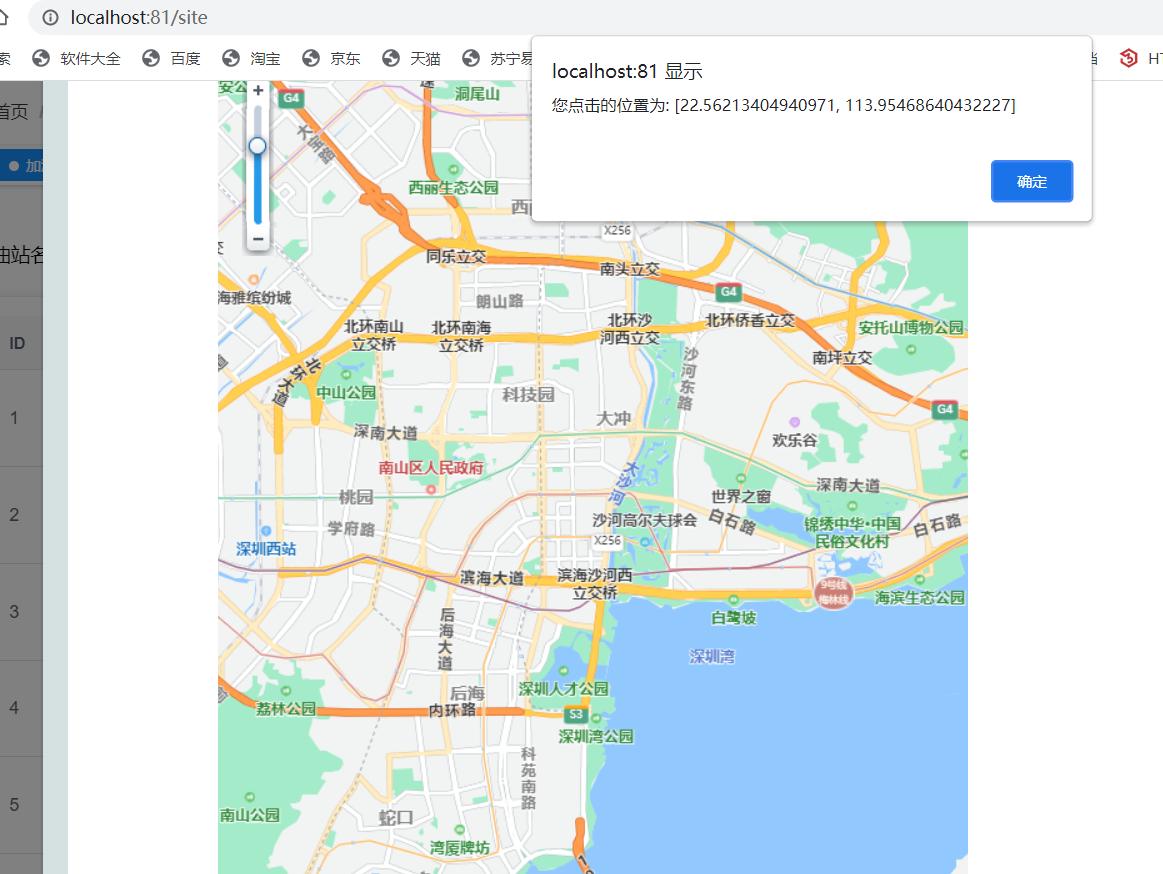
3.新建一个js引入
export function TMap() {
return new Promise(function(resolve, reject) {
window.init = function() {
resolve(qq)
}
var script = document.createElement('script')
script.type = 'text/javascript'
script.src = 'http://map.qq.com/api/js?v=2.exp&callback=init&key=这里填申请的秘钥'
script.onerror = reject
document.head.appendChild(script)
})
}
<template>
<div id="atlas"></div>
</template>
<script>
import { TMap } from '@/api/parking'
export default {
name: 'parking-parkText',
data() {
return {}
},
methods: {
mapTX() {
TMap().then(qq => {
var map = new qq.maps.Map(document.getElementById('atlas'), {
//这里经纬度代理表进入地图显示的中心区域
center: new qq.maps.LatLng(22.53588500, 113.95251400),
zoom: 13
})
//绑定单击事件添加参数
qq.maps.event.addListener(map, 'click', function(event) {
alert('您点击的位置为: [' + event.latLng.getLat() + ', ' +
event.latLng.getLng() + ']')
})
})
}
},
created() {
this.mapTX()
}
}
</script>
<style>
#atlas {
min-width: 600px;
min-height: 767px;
width: 50%;
}
</style>