前言
设置之前,先来了解一下Windows进程有哪几种优先级:
|
Windows进程优先级 |
||
|
整数值 |
英文名称 |
对应优先级 |
|
32 |
Normal |
正常 |
|
64 |
Idle |
低 |
|
128 |
High Priority |
高 |
|
256 |
Realtime |
实时 |
|
16384 |
Below Normal |
低于正常 |
|
32768 |
Above Normal |
高于正常 |
在XP中,Normal翻译为“标准”而不是“正常”:
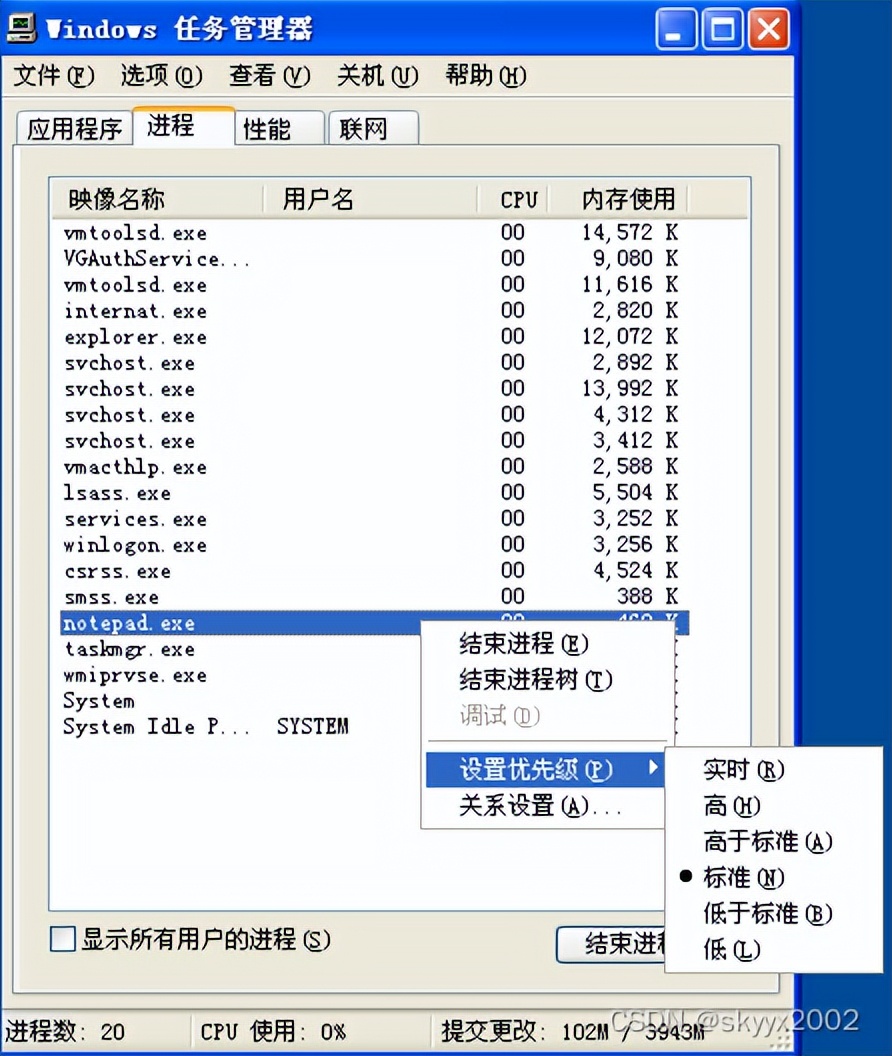
只是翻译不同,并无实际区别。Win7里记不得叫什么了,不影响。
本篇以设置Windows自带的“记事本”进程为例。
CMD命令的设置方法
将记事本进程优先级设置为高:
wmic process where "name='notepad*ex.e**'" call setpriority 128
也可以写成这样:
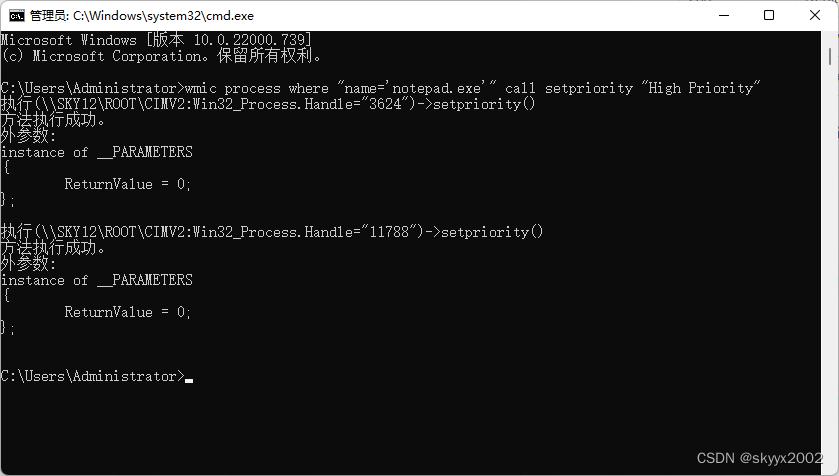
wmic process where "name='notepad*ex.e**'" call setpriority "High Priority"
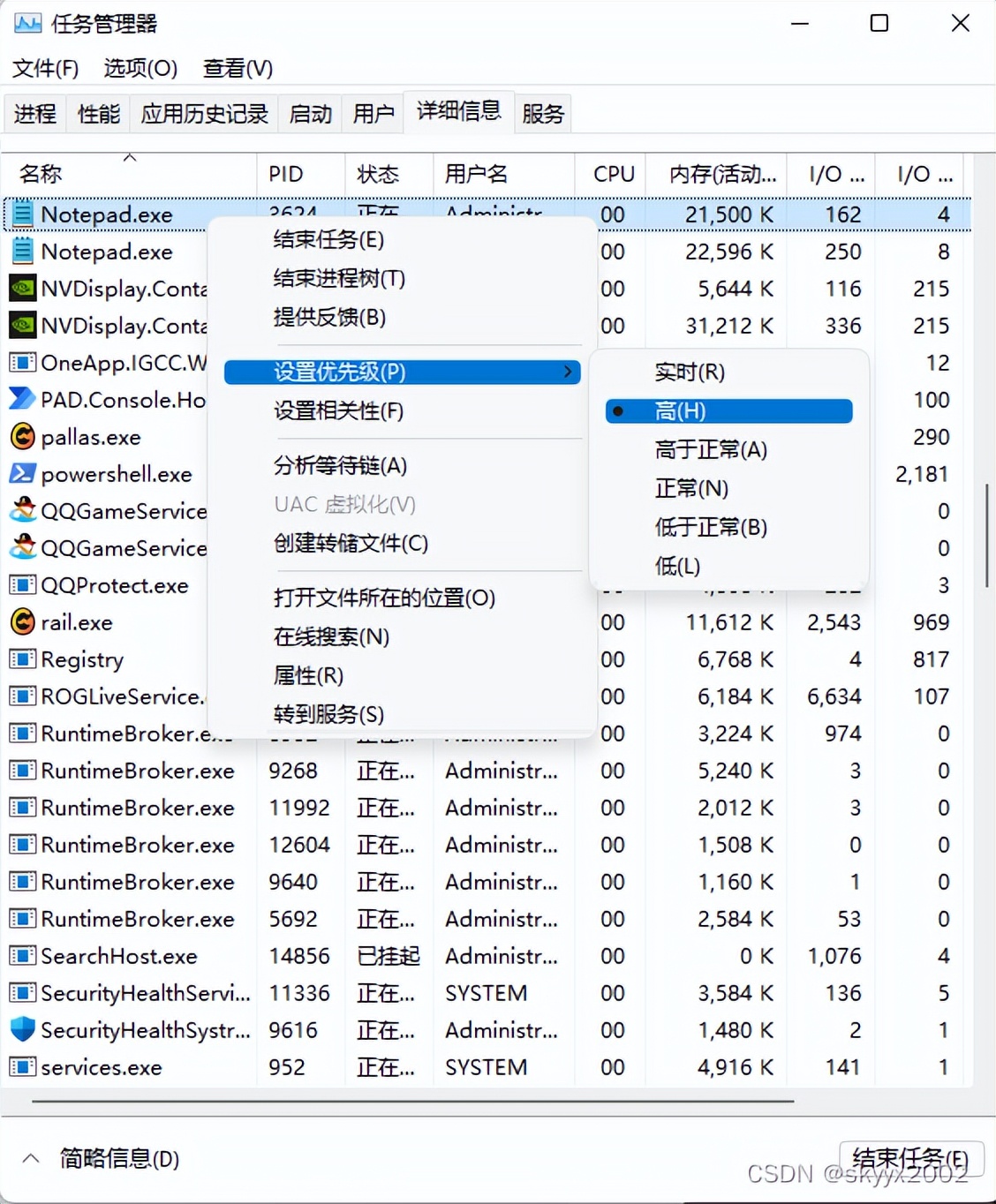
执行之后如图:
一次设置多个进程:
wmic process where "name='notepad*ex.e**' or name='calc*ex.e**'" call setpriority 128
VBS的操作方法
Set objWMIService = GetObject("winmgmts:\\.\root\cimv2")
Set colProcesses = objWMIService.ExecQuery("Select * from Win32_process where name='notepad*ex.e**'")
For Each objProcess In colProcesses
objProcess.SetPriority 128
Next
将上框中的代码,保存为后缀名 .vbs 的文件,如图:
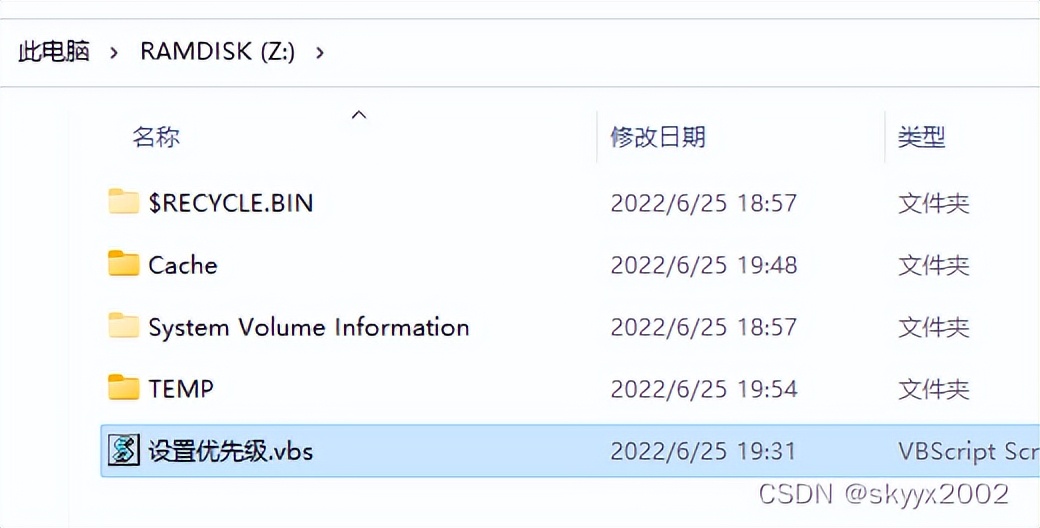
使用时,双击即可。也可以在CMD或者PowerShell中调用。
PowerShell的操作方法
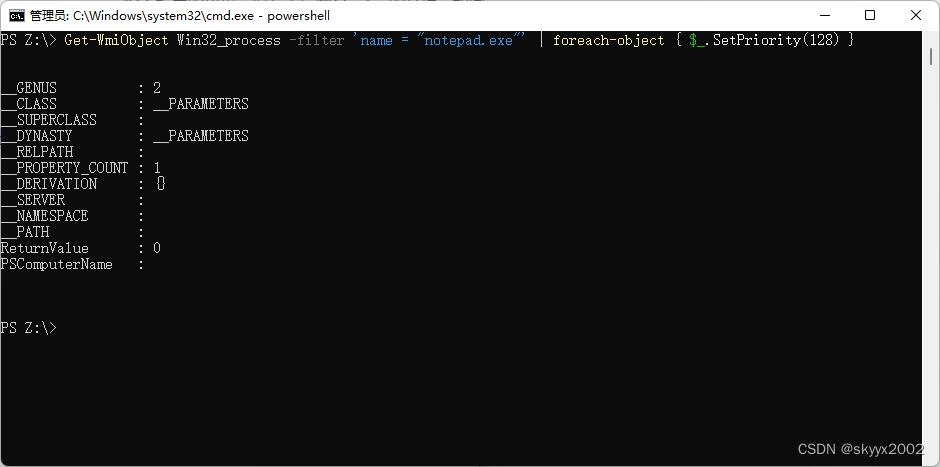
Get-WmiObject Win32_process -filter 'name = "notepad*ex.e**"' | foreach-object {$_.SetPriority(128)}
执行后如图: