1、创建钉钉群
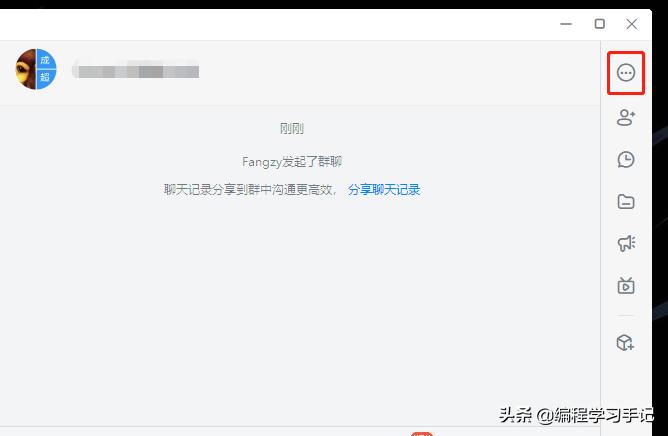
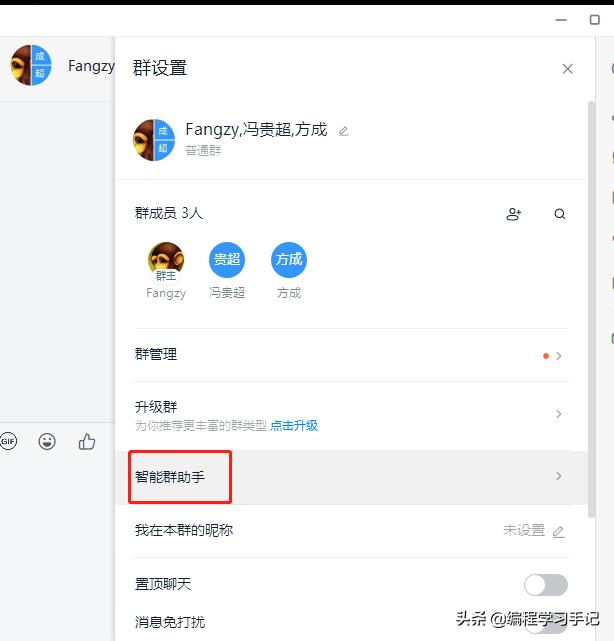
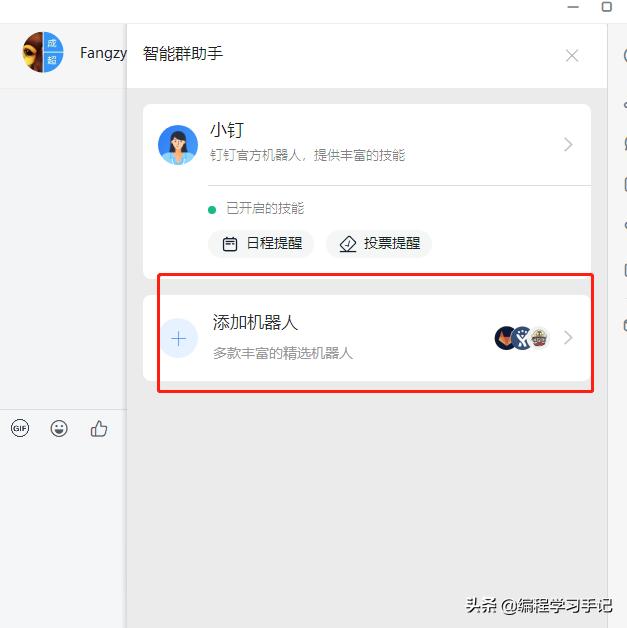
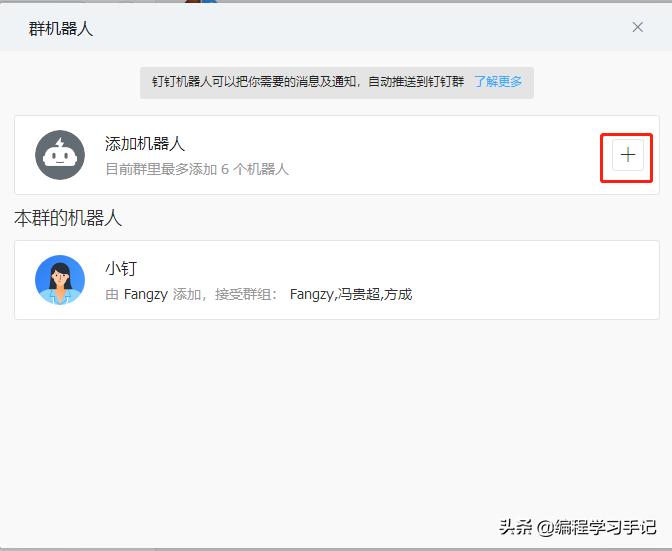
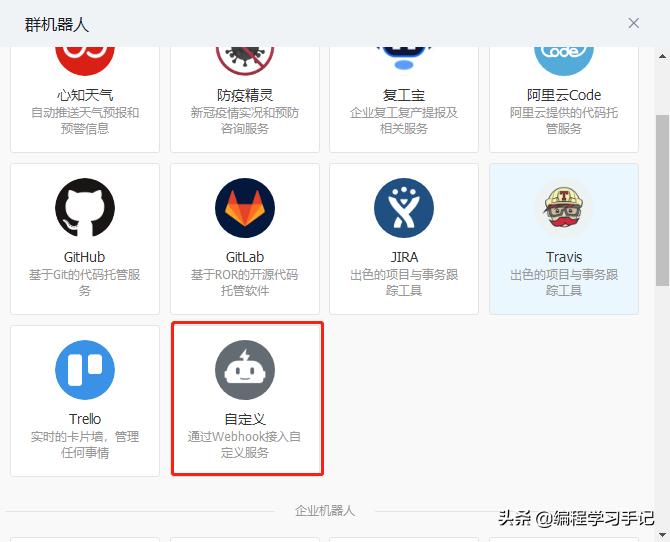
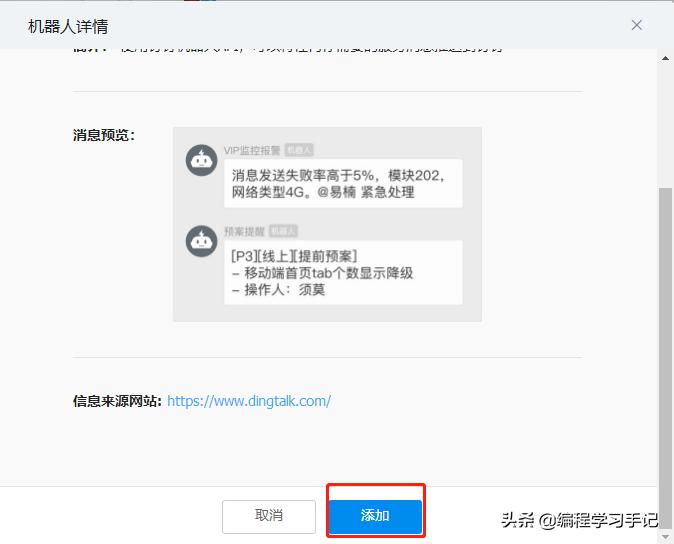
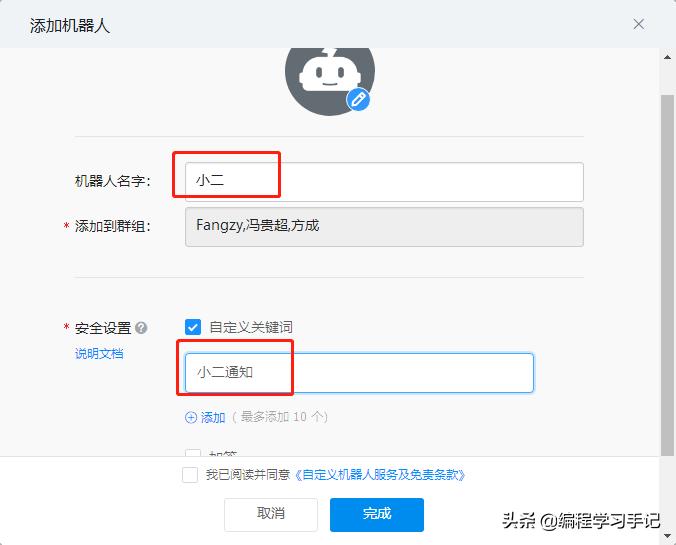
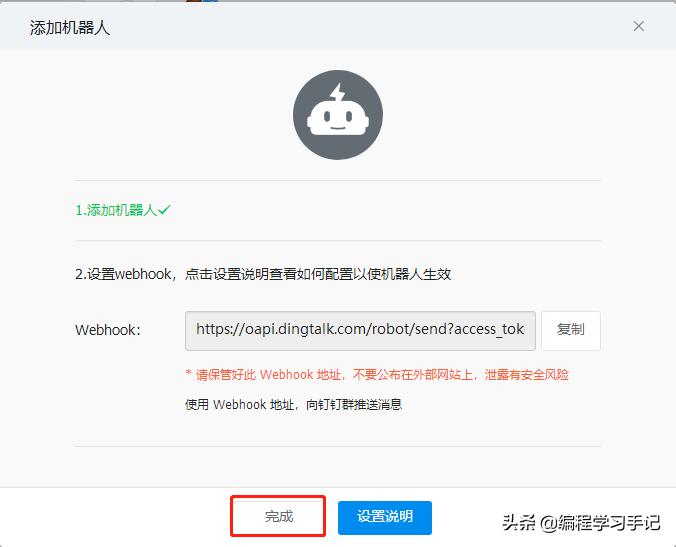
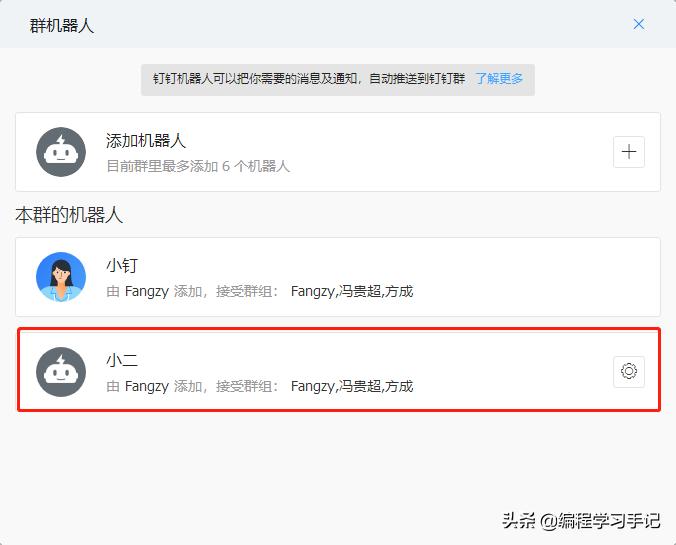
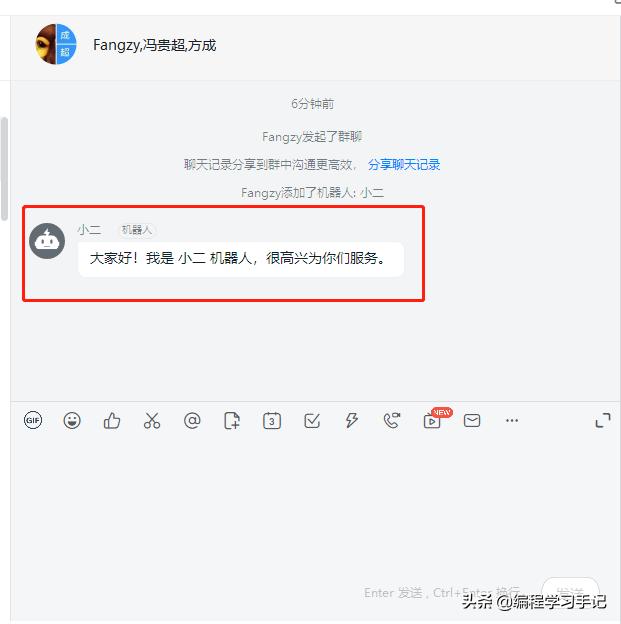
2、添加群机器人
3、测试发送消息
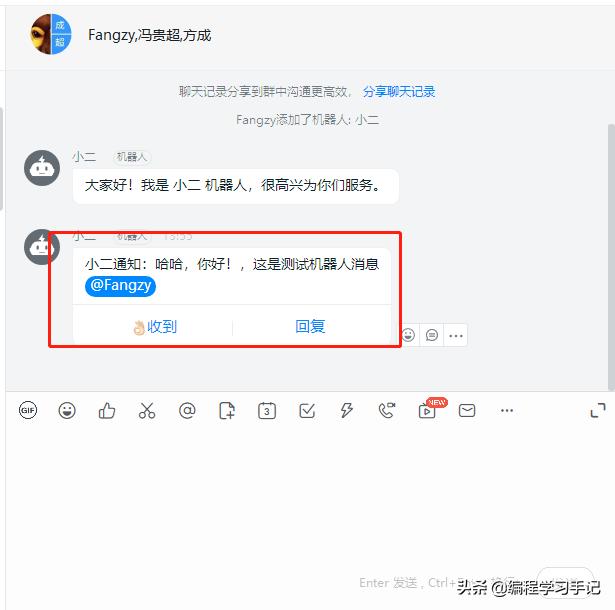
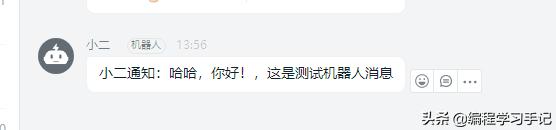
4、java代码实现
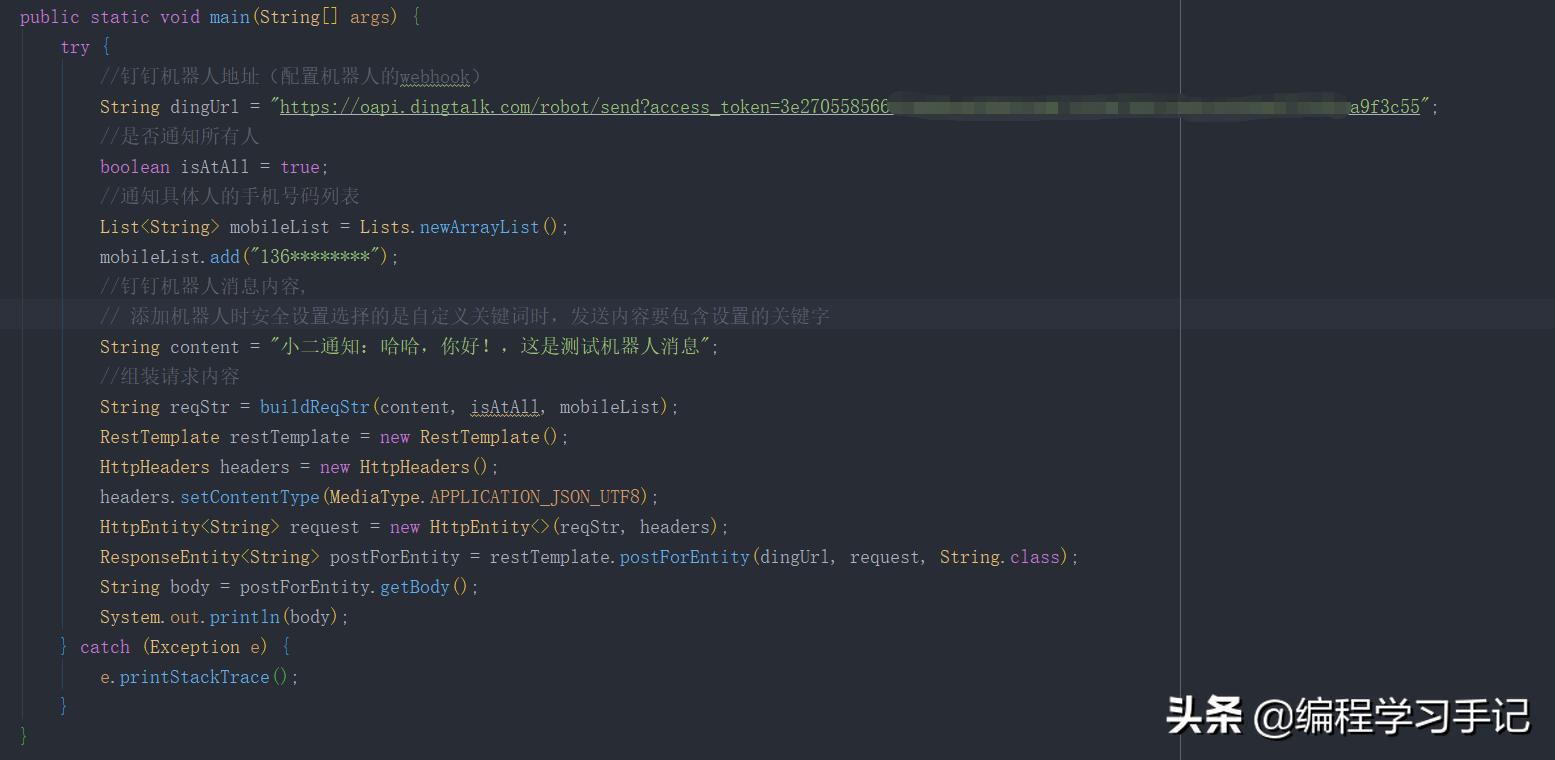
public static void main(String[] args) {
        try {
            //钉钉机器人地址(配置机器人的webhook)
            String dingUrl = "https://oapi.dingtalk.com/robot/send?access_token=3e2705585668f4********************";
            //是否通知所有人
            boolean isAtAll = true;
            //通知具体人的手机号码列表
            List<String> mobileList = Lists.newArrayList();
            mobileList.add("136********");
            //钉钉机器人消息内容,
            // 添加机器人时安全设置选择的是自定义关键词时,发送内容要包含设置的关键字
            String content = "小二通知:哈哈,你好!,这是测试机器人消息";
            //组装请求内容
            String reqStr = buildReqStr(content, isAtAll, mobileList);
            RestTemplate restTemplate = new RestTemplate();
            HttpHeaders headers = new HttpHeaders();
            headers.setContentType(MediaType.APPLICATION_JSON_UTF8);
            HttpEntity<String> request = new HttpEntity<>(reqStr, headers);
            ResponseEntity<String> postForEntity = restTemplate.postForEntity(dingUrl, request, String.class);
            String body = postForEntity.getBody();
            System.out.println(body);
        } catch (Exception e) {
            e.printStackTrace();
        }
    }
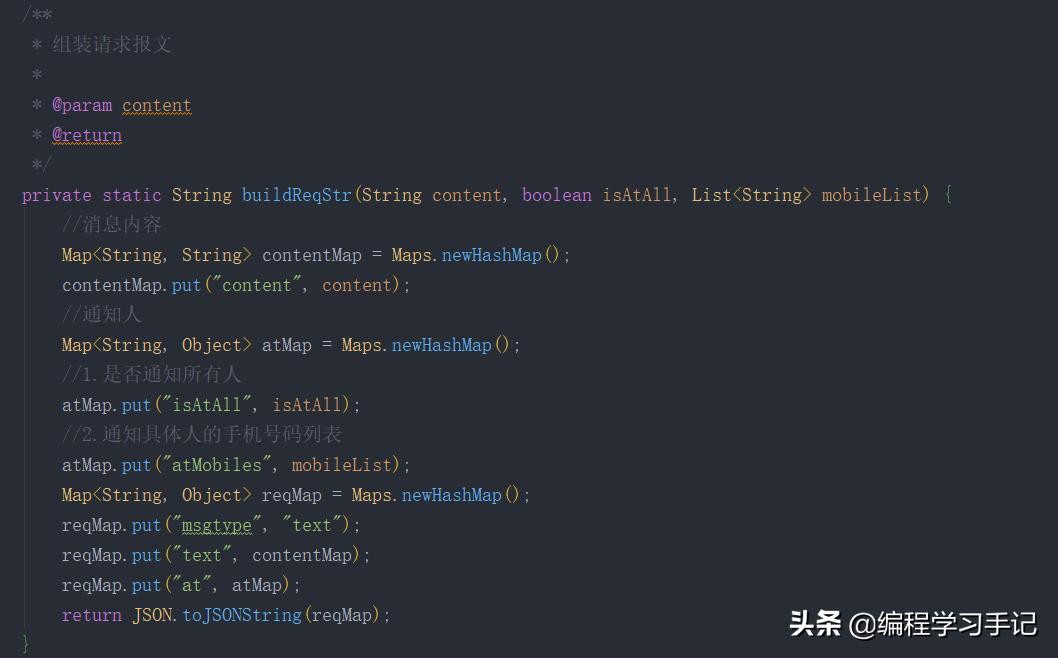
 /**
     * 组装请求报文
     *
     * @param content
     * @return
     */
    private static String buildReqStr(String content, boolean isAtAll, List<String> mobileList) {
        //消息内容
        Map<String, String> contentMap = Maps.newHashMap();
        contentMap.put("content", content);
        //通知人
        Map<String, Object> atMap = Maps.newHashMap();
        //1.是否通知所有人
        atMap.put("isAtAll", isAtAll);
        //2.通知具体人的手机号码列表
        atMap.put("atMobiles", mobileList);
        Map<String, Object> reqMap = Maps.newHashMap();
        reqMap.put("msgtype", "text");
        reqMap.put("text", contentMap);
        reqMap.put("at", atMap);
        return JSON.toJSONString(reqMap);
    }