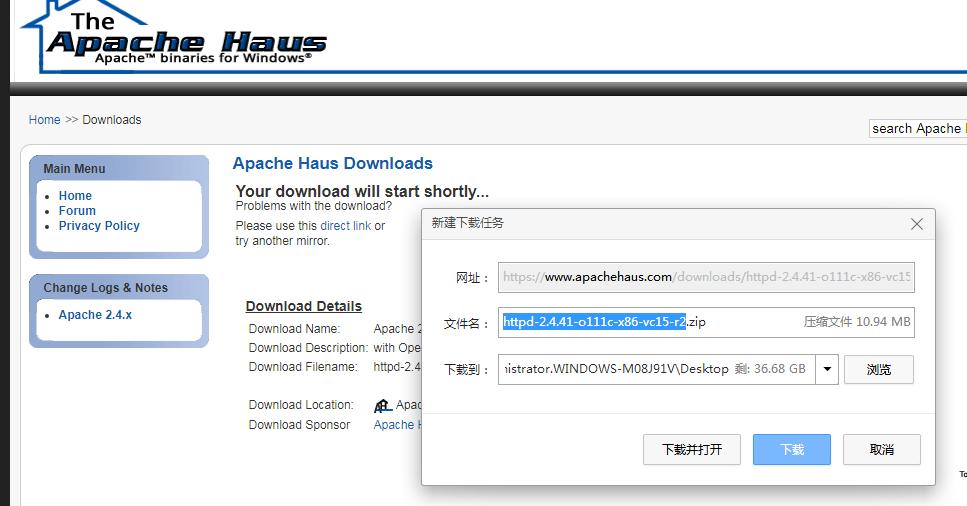
1. 登录http://httpd.apache.org
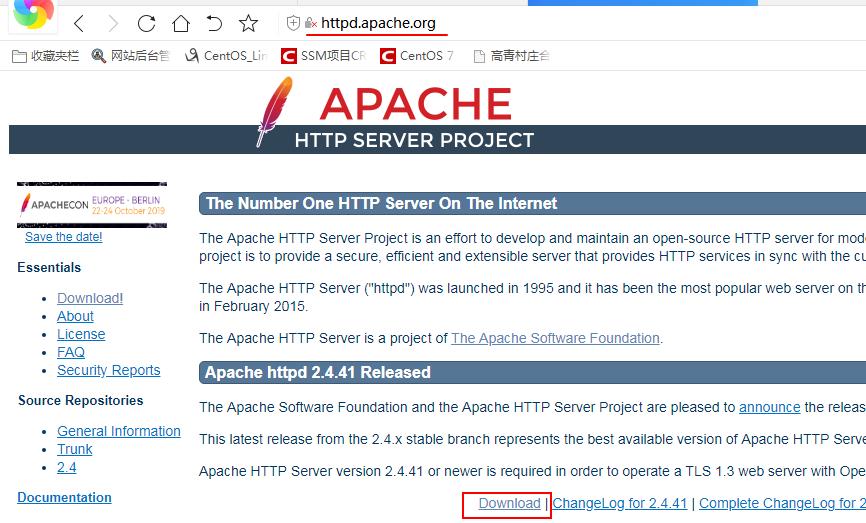
2. 单击Apache httpd 2.4.41 Released下面的Download
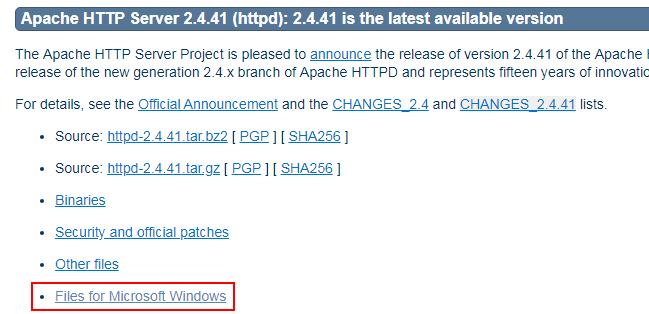
3. 单击Apache HTTP Server 2.4.41 (httpd): 2.4.41 is the latest available version 下面的Files for Microsoft Windows
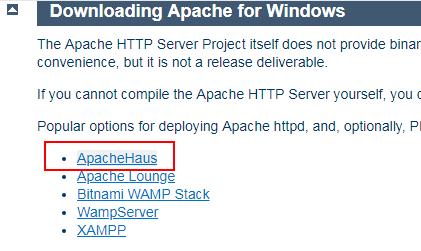
4. 单击Downloading Apache for Windows下面的ApacheHaus
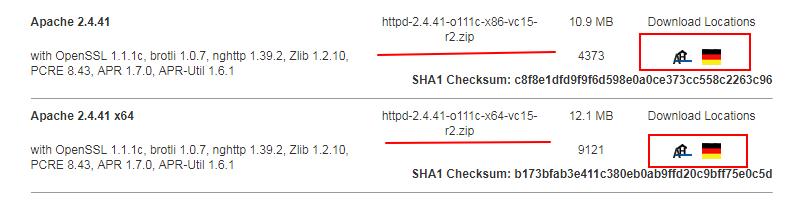
5. 单击Apache 2.4 Server Binaries中选择对应的32位或64位版本,点Download Locations中的站点开始*载下**。